

Email marketing is most impactful when it’s focused and efficient. When your branding is consistent across every send, your contact data is clean and segmented, and your workflows are running automatically, you can take the time you need to focus on your organization’s strategy.
A controlled email marketing program runs on brand governance, data management, and workflow automation. Whether you manage campaigns across departments or teams, these three areas give your program the structure it needs to scale, maintain, and grow while still giving your team the flexibility they need to create captivating emails.
What does brand control mean in email marketing?
Brand control in email marketing is about building a brand governance system, helping ensure consistency and compliance without needing constant manual oversight to keep things on track. It covers your brand standards, compliance controls, and the rules around who can create and send emails.
When you establish brand governance and lock down only certain aspects of templates, everyone on your team can build emails with confidence. Team members can create targeted emails that look right, sound right, and represent your organization well without worrying about fonts, heading sizes, or using the wrong logo. Brand controls don’t exist to lock your team into one message, but to make sure every email looks and sounds like it comes from the same place.
Why inconsistent emails erode subscriber trust
Picture this from your subscriber’s perspective. You receive an email from a brand you trust but the logo looks outdated, or the tone sounds nothing like the website you just visited. These inconsistencies raise a small question in your mind about whether this email is legitimate.
Now imagine the opposite experience. Every email from the same company looks polished and maintains the same helpful, professional voice. You recognize and trust it instantly, which builds confidence, and your subscribers learn what to expect. When emails consistently deliver on that expectation, they’re more likely to open, click, and engage. Reliability builds trust, and brand control is how you deliver it at scale.
How to set guardrails without slowing your team down
Good brand governance means setting up systems that protect your brand. Three guardrails make this possible:
- Template locking: You create a master template with a consistent email design system. Lock in core brand elements like your header, footer, fonts, and colors, while content areas stay fully editable. Local teams or individual departments can customize the message to fit their audience. Marketing can send a recruitment campaign. Development sends a donor update. Both emails still appear to come from the same organization.
- Shared asset libraries: These are a single source of truth for all approved images and logos. Instead of searching through old folders, everyone accesses the same up-to-date, on-brand assets. This makes it easier to build professional emails.
- Approval workflows: When a user submits a campaign, it goes automatically to a manager or brand lead. They can review and approve from a centralized dashboard. Your staff moves faster with confidence, knowing every email gets reviewed before launch. This helps distributed organizations stay consistent with their email marketing efforts.
How do you manage permissions and user access in email marketing?
Having too many people with unrestricted access creates security risks, but on the flip side, having only one person with full access creates an approval or production bottleneck. Having the correct user permissions give the right people the right level of access, improving security and efficiency across your email campaign management.
What types of user roles should you have?
Not everyone on your team needs the same level of access. A well-structured permission system typically includes four roles, each designed for a specific job:
- Admins hold full account control, including user management and high-level settings. In most cases, this role belongs to one or two senior leaders. They oversee the entire email marketing program and need access to sensitive account functions.
- Editors and creators include copywriters and designers. They build and edit campaigns, but can’t send them. It’s a good fit for staff members who focus on crafting content but aren’t responsible for final deployment decisions.
- Approvers, like managers and brand leads, can review campaigns built by others and grant approval to send. That keeps quality and consistency in check before emails reach subscribers.
- Senders can schedule and send approved campaigns to specific audiences. It gives you a final check on audience selection and timing before launch.
How subaccounts help organizations stay organized
If you’re managing email across multiple departments, a tiered account structure provides central oversight. This structure works on a parent-child model, with a central parent account that manages brand assets and tracks performance across all child subaccounts.
Child accounts operate independently for day-to-day email marketing, but stay connected to the parent account for brand consistency and reporting. For example, in a university, central marketing manages the parent account while each college, department, and student organization has its own child account.
That means each group reaches its own audience in the way it knows best, but central marketing can still see what’s going out and how it’s performing. This structure lets your organization manage subaccounts that support brand standards and independent flexibility.
How should you organize your contact data?
Clean, organized data is the foundation of any controlled email program and makes effective personalization and automation work. Without it, everything else falls apart. You can have beautiful templates and well-thought-out workflows, but if your underlying data is messy or incomplete, you’re building on shaky ground and might see failing campaigns sooner rather than later.
What data matters most for effective email marketing?
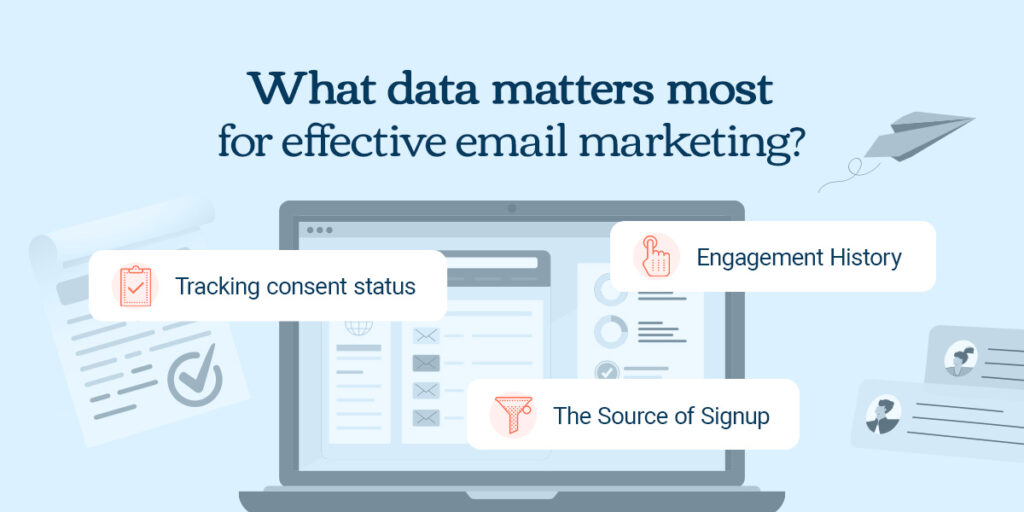
Not all data works equally hard for your program. Here are three types that matter most:
- Tracking consent status helps you communicate more relevantly and protects your deliverability by allowing you to tailor your messages to match only what they signed up for and what they expect. That builds stronger relationships from the start.
- Engagement history includes data on opens, clicks, and conversions. It tells you who is actively engaged and who has stopped paying attention, which is the information you need to segment active subscribers and identify who might need a re-engagement campaign.
- The source of signup tells you where someone came from, whether that’s a blog post or a purchase confirmation page. It gives you immediate context about their interests, helps you send more relevant communications from the start, and gives you an idea of what resonates with subscribers.
How to segment and keep your list clean
Dividing your audience into smaller groups based on shared characteristics supports targeted email marketing, and truly effective strategies combine behavioral data and engagement metrics. Categories for segmentation could be based on who visited your pricing page or who opened your last few emails.
Effective targeting also depends on clean data, which requires ongoing maintenance. Email lists naturally decay as contacts change jobs, abandon old addresses, and opt out of communications. For some organizations, churn rates can reach around 30% per year, making list hygiene an important ongoing practice.
Email list hygiene includes:
- Managing bounces: Hard bounces mean a permanent delivery failure, like an invalid address. Soft bounces are temporary, like a full inbox. Understanding the difference helps you make smarter decisions about list cleanup.
- Suppression lists: Honoring unsubscribes universally across all your campaigns and subaccounts protects your sender reputation and maintains subscriber trust.
- Sunset policy: Removing subscribers who haven’t engaged after a set period keeps your list healthy and your engagement metrics accurate.
When you follow email marketing best practices, like optimizing your email list segmentation alongside regular hygiene routines, you maintain a foundation of clean data. That means your personalization, automation, and targeting all have something solid to work from.
How do you build email workflows that actually run themselves?
This is where everything you’ve built so far starts working for you. Automation applies your brand standards and data segmentation consistently across every send, taking the manual effort out of the equation.
The difference between a campaign and a workflow
Campaigns are like hosting a single event where you send out invitations on a specific date. Everyone receives the same message at the same time. And once it’s sent, it’s done. Email workflows are like ongoing programs that respond to what people do. They run continuously in the background, triggered by specific behaviors or time-based rules.
Your monthly newsletter, scheduled to send on the first Tuesday of each month, is an email campaign. Email automation workflows work differently, like automatically starting a welcome email series when someone subscribes, or a reminder email that someone abandoned their cart or a form when they clicked off your page. Workflows save time and ensure consistent communication by watching for the triggers you set, so your team doesn’t have to waste time on manual sending every time you get a new subscriber.
Which workflows every email program should have
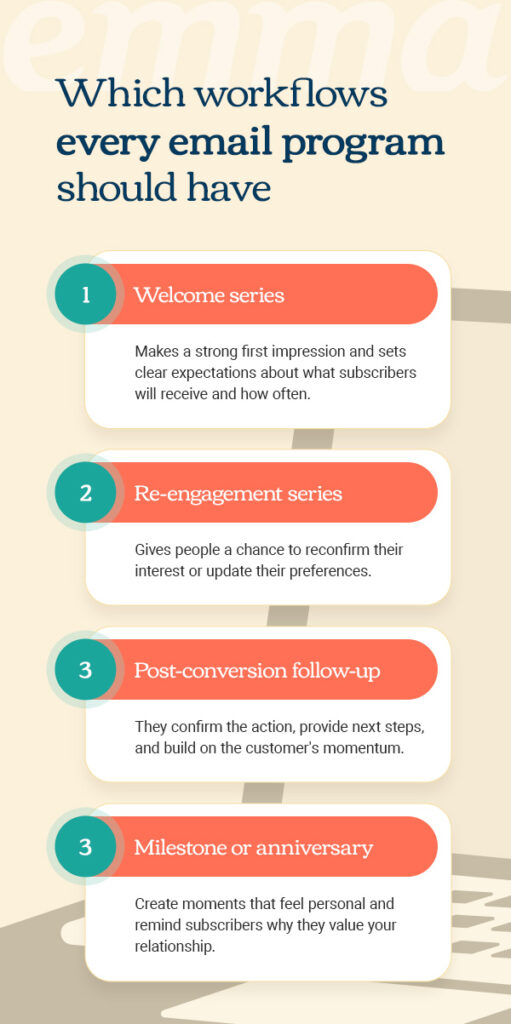
Four core workflows form the foundation of most successful email marketing programs:
- Welcome series: This workflow triggers the moment someone subscribes. It makes a strong first impression and sets clear expectations about what subscribers will receive and how often.
- Re-engagement series: This series activates after a period of inactivity. It reconnects with dormant subscribers before they’re removed through your removal policy. This gives people a chance to reconfirm their interest or update their preferences.
- Post-conversion follow-up: These automated emails trigger after someone completes a purchase or takes another meaningful action. They confirm the action, provide next steps, and build on the customer’s momentum. They’re the “Thanks for signing up, here’s what happens next” emails that you’ve probably received yourself.
- Milestone or anniversary: These workflows fire on specific dates like birthdays or customer milestones. They create moments that feel personal and remind subscribers why they value your relationship.
How to keep workflows accurate over time
Like lists, workflows need periodic checkups to remain effective. Set them up and let them run, but don’t forget about them entirely. Here’s how to manage your workflows over time:
- Check your triggers: Confirm that behavioral or time-based rules are still firing correctly. A workflow that isn’t triggering serves no purpose, and one that triggers incorrectly can confuse or frustrate subscribers.
- Review for relevance: Make sure the content in each workflow still makes sense. If it references an event that’s already passed or an outdated offer, it creates a poor experience and undermines trust.
- Confirm your data: Verify the segment or data source feeding each workflow is still accurate. If the underlying data has degraded, even a well-built workflow will reach the wrong people with the wrong message.
How do you know if your email program is under control?
When everything’s running smoothly, your team knows where to find assets and campaigns move through the review process without bottlenecks or roadblocks Here’s a quick checklist to see where things stand at your organization:
- Documented brand standards are accessible to all email creators
- Email templates have locked brand elements and editable content areas
- A shared asset library is available for approved logos, images, and content blocks
- You have clearly defined and actively managed user roles and permissions
- Approval workflows are in place for campaign review before sending
- Contact data includes permission status, engagement history, and signup source
- Regular list hygiene includes bounce management and sunset policies
- Core automated workflows run for welcome, re-engagement, and post-conversion
- A quarterly review schedule is available for workflow triggers and content
- Team tracks and reviews key performance metrics regularly
While the above checklist is a good start, it’s also worth tracking these program health metrics:
- Deliverability rate measures the percentage of emails that reach the inbox. Strong performance here shows a healthy sender reputation and clean contact data. Poor results suggest list hygiene issues or reputation concerns that need immediate attention.
- List growth versus churn tracks whether you’re gaining more engaged subscribers than you’re losing. Positive net growth indicates a healthy program. Lists shrink, contacts change jobs, abandon old addresses, or simply move on, so staying net positive means consistently bringing in new subscribers.
- Workflow engagement evaluates how your automated emails perform compared to one-time campaigns. Strong open and click rates in workflows mean your system is delivering relevant, timely content. Weak performance suggests your triggers or content need adjustment.
Email marketing program FAQs
Got questions? Here are some common ones we hear about building a more controlled email marketing program.
Who should have admin access to your email marketing platform?
The people who should have admin access are one or two senior leaders, those who need full control over billing and account management. Most other team members work better with a more specific role, like editor, approver, or sender.
How often should you clean your email list?
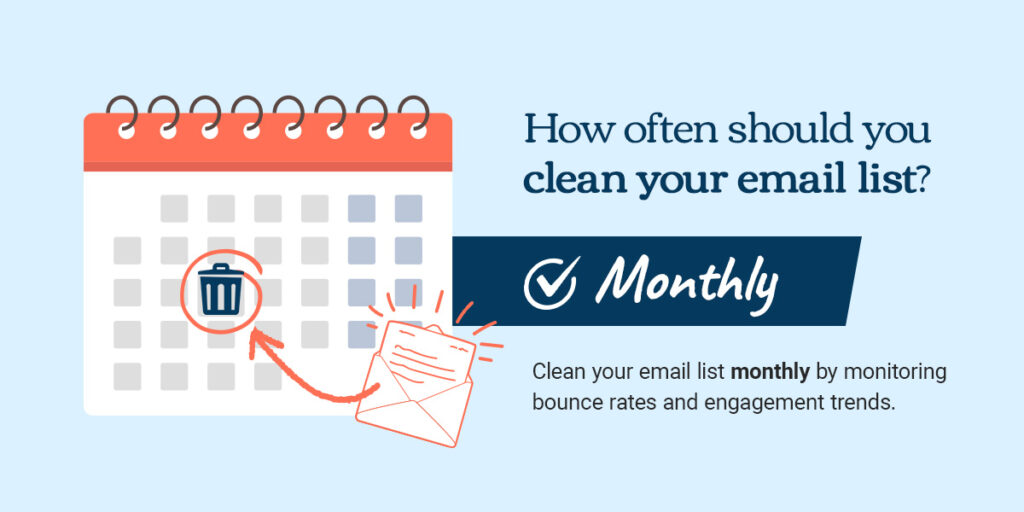
Clean your email list monthly by monitoring bounce rates and engagement trends. Remove hard bounces immediately, and implement a sunset or removal policy that eliminates consistently unengaged subscribers from your lists. Regular hygiene prevents deliverability issues and keeps your data accurate.
Streamline your email marketing program with Emma
Managing email marketing across multiple locations or teams is a lot to juggle. But it gets easier with the right tools in place. Emma helps you maintain control over your branding, organize your contact data, and automate the workflows that keep your program running smoothly.
Our platform supports organizations that need both central oversight and local flexibility. Features like subaccount structures and approval dashboards help you stay on track while supporting your team’s creativity. Whether you’re in higher education, nonprofits, or healthcare, we’ve built it to support the way your team works.
Ready to put these ideas into practice? Explore Emma’s email marketing platform to see how these features can work for your team.