
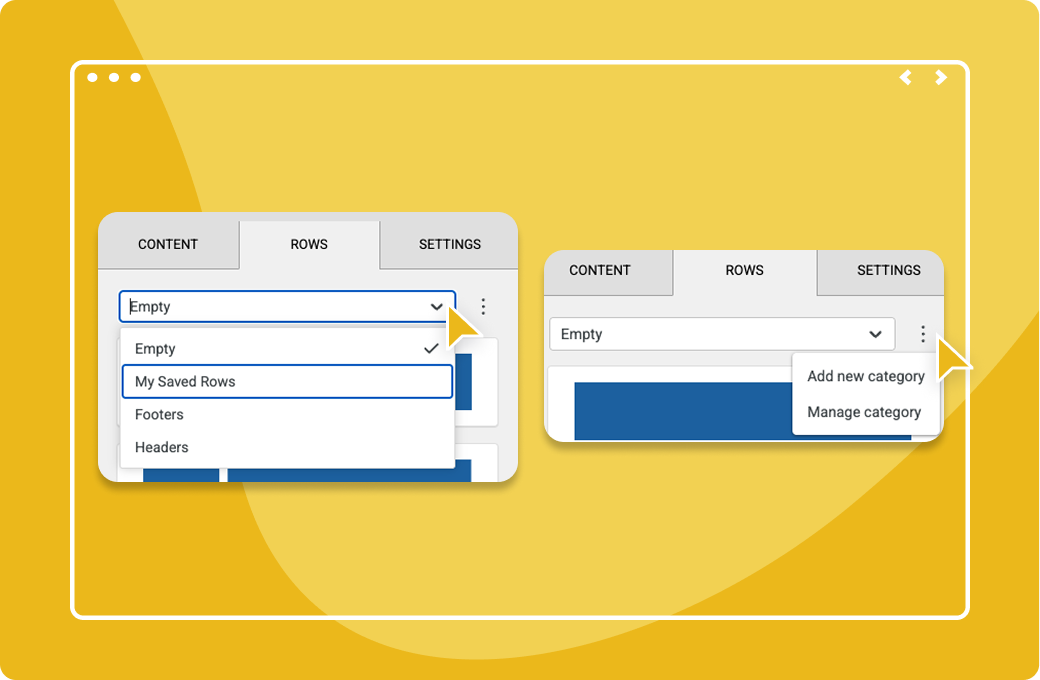
Streamline your email workflow by saving custom rows created in the drag-and-drop editor. You can easily reuse these rows across multiple emails, saving you time and effort when working with large teams and multiple subaccounts. Add your pre-built rows to new emails with a simple drag-and-drop, eliminating the need to rebuild common elements from scratch.
*Saved Email Rows are available for parent accounts with the Emma for Teams and Emma Corporate plans.
See how Emma helps you create, optimize, and send email campaigns with confidence.