
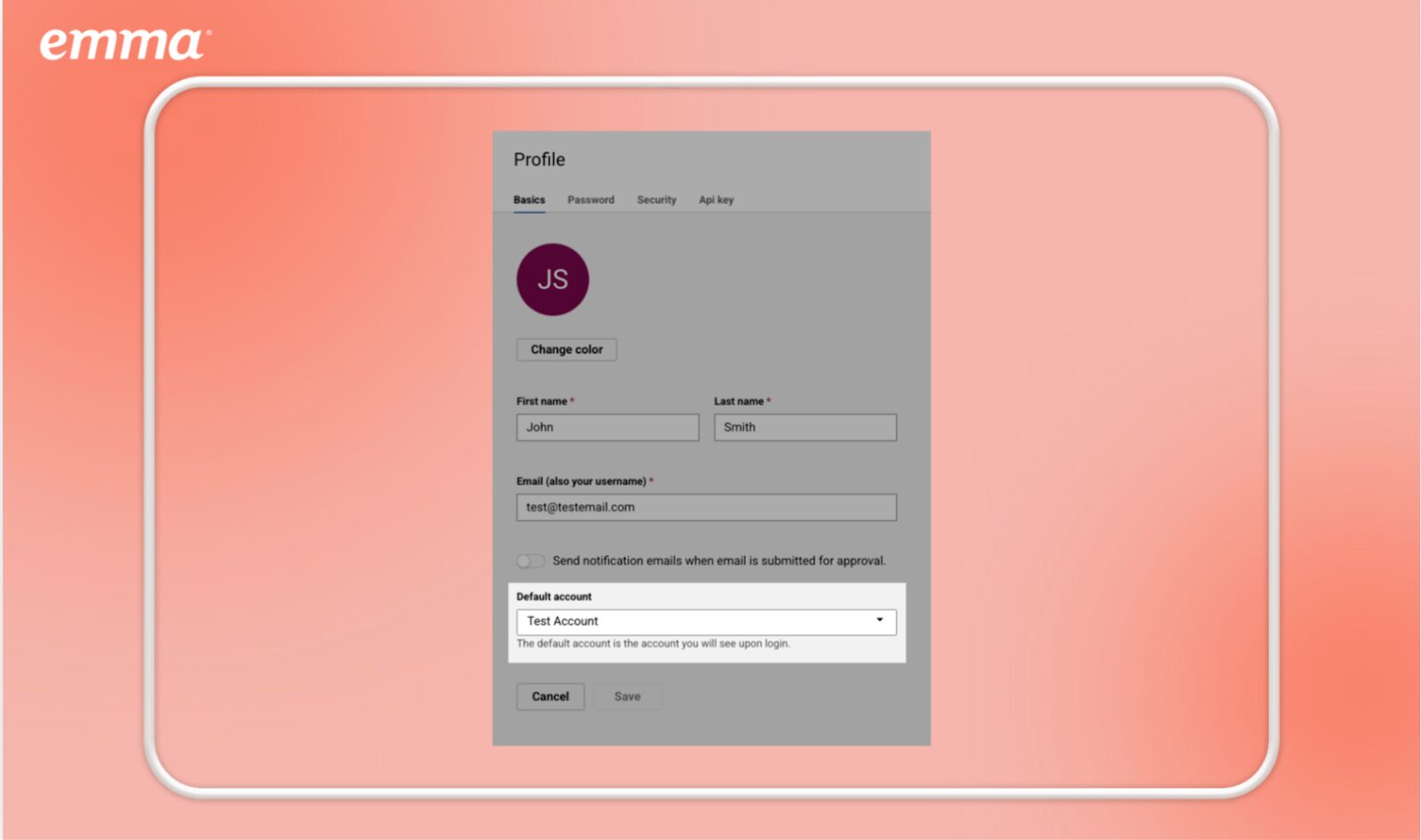
You can now set a default subaccount! For customers who belong to multiple subaccounts, but primarily work in one, this eliminates the need to scroll through long account lists at login. By automatically landing in the preferred subaccount, this update reduces unnecessary navigation, saves time, and creates a smoother, more intuitive experience.
Setup Process:
Go to Profile > Basics. Select preferred subaccount from the Default Account dropdown, and click Save.
See how Emma helps you create, optimize, and send email campaigns with confidence.