
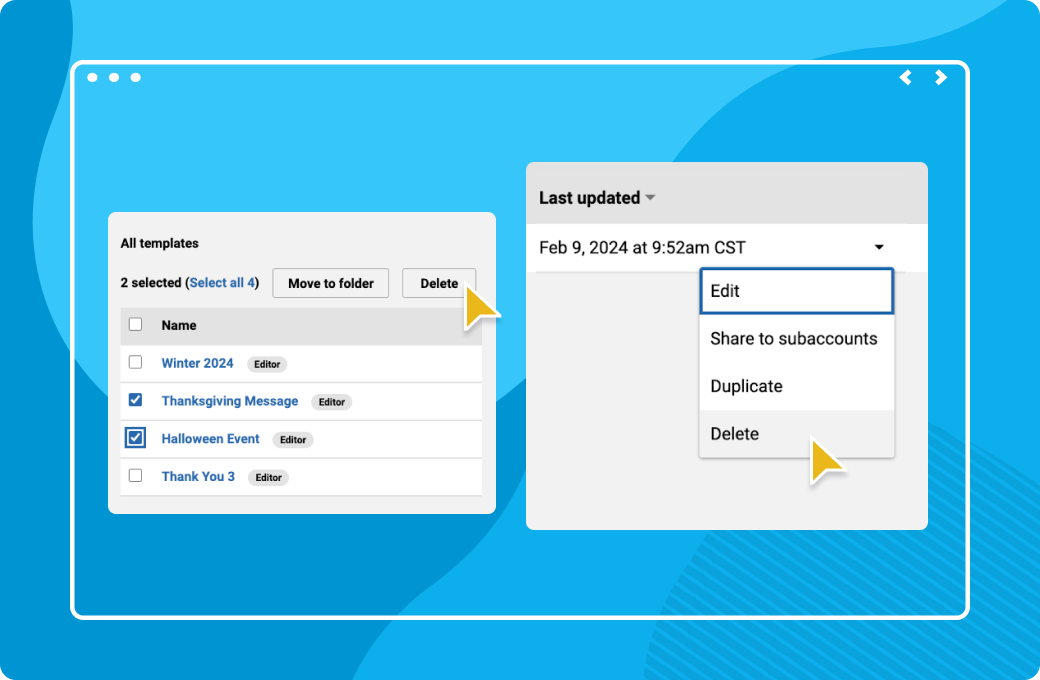
Remember that handy feature we released last month to move multiple templates into folders? Well, we’re taking it a step further. Now, you can bulk delete templates! No more tedious, one-by-one removal. Now you can quickly clean up your template list and keep your workspace organized. With this update we’ve also added a few more improvements:
Happy organizing!
See how Emma helps you create, optimize, and send email campaigns with confidence.