
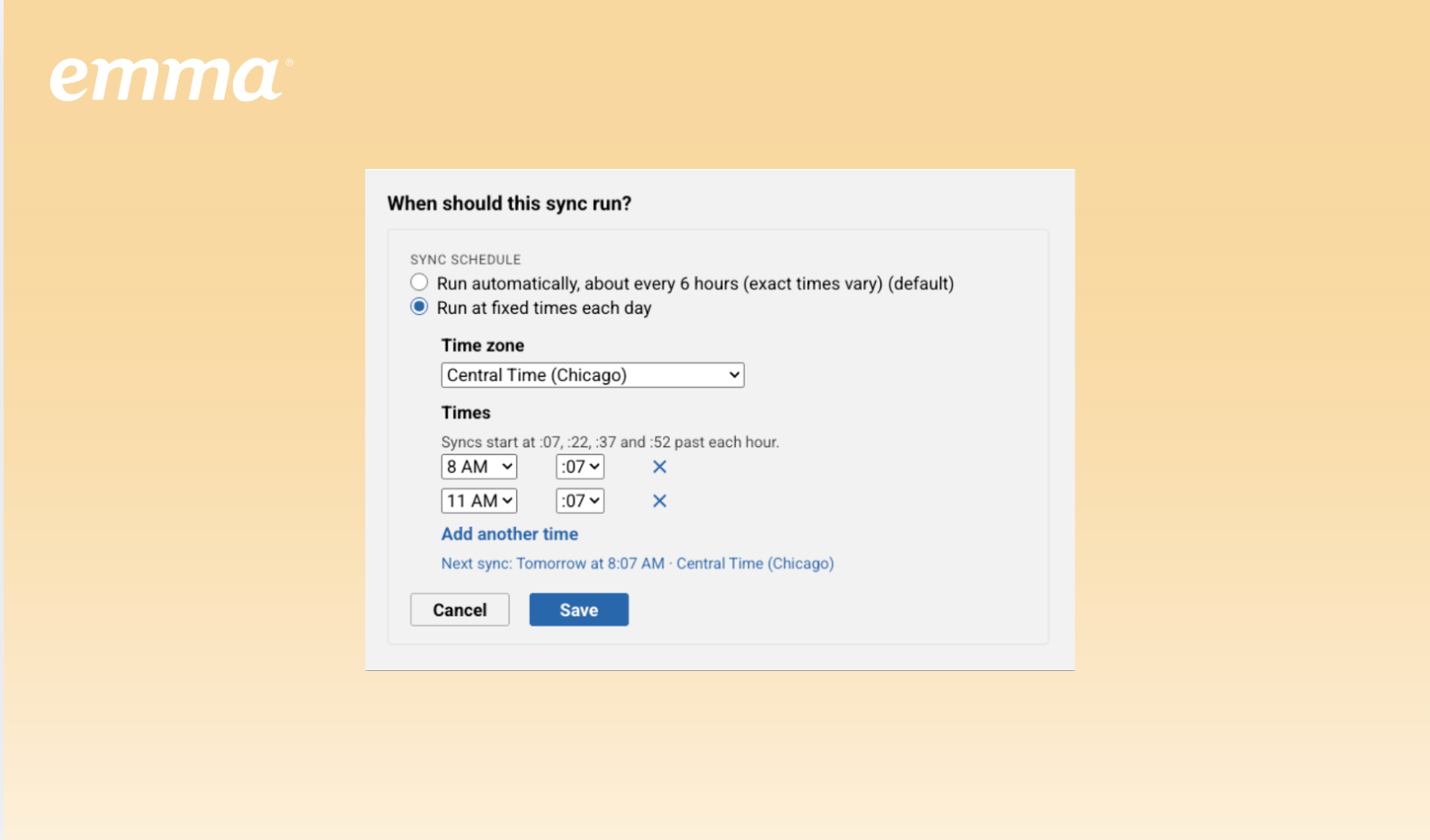
You can now choose when Audience Sharing syncs run each day. If your contacts arrive through an integration or SFTP import, schedule the sync afterward so updated audiences are ready for your subaccounts when they need them.
In your Audience Sharing settings, select “Run at fixed times each day,” choose your time zone and sync time, and review the next scheduled sync before saving. You can still use “Sync now” whenever you need an immediate update; doing so won’t change your next scheduled run.
The existing automatic schedule of approximately every six hours remains the default, and current schedules won’t change unless you update them.
Scheduled syncs are included with Audience Sharing, which is available in Emma Corporate and as an add-on for Emma for Teams.
See how Emma helps you create, optimize, and send email campaigns with confidence.